
Echo - Standby 101
Standby is a digital waitlist and schedule filler that can contact patients who need an appointment when an opening arises.
To Add A Patient To The Waitlist:
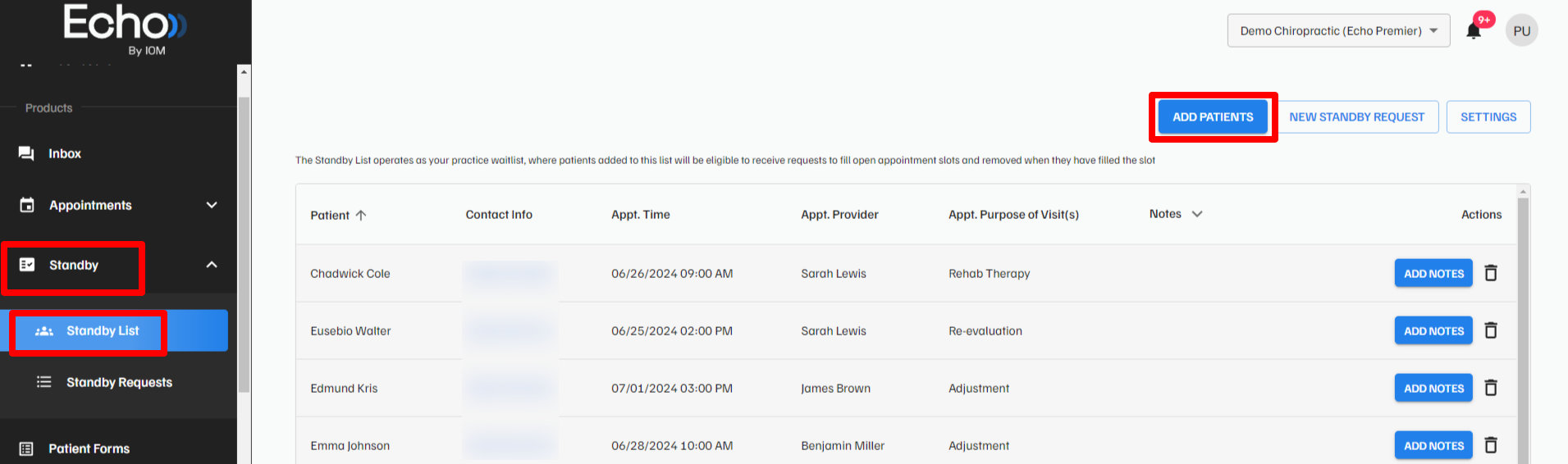
- Go into the “Standby” tab and then click into the “Standby List” tab
- Click the “ADD PATIENTS” button in the top right
New Standby Request
To enter a new standby request click “NEW STANDBY REQUEST” and fill out the necessary information.
