Tech - LogMeIn Rescue Set Up
How to Set Up a New User with LogMeIn Rescue
- Reach out to Aaron Jones and Steven Kulhanek to procure a license and have them set up a user
- Once we have received the password, then go through the following for set up:
- Download the Technician Console: https://secure.logmeinrescue.com/TechConsole/DesktopApp/Download.aspx
- Open up the Technician Console if it does not automatically open
- Use your Inception email and the password provided for the new user
- If the password does not work, can use the ‘Forgot password’ option as well
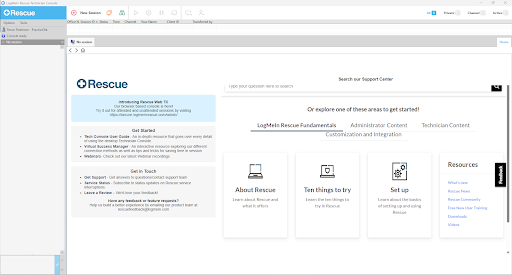
You should end up at a screen that looks like this: